Write on any PDF, right on your phone.
Open a PDF from your phone, then draw, highlight, underline, add text and sign it. Save the edited copy and share it in seconds.

- Downloads
- 1M+
- To download
- Free
- Android
- 6.0+
Tenancy agreement
Page 1 of 3
This agreement is made between the landlord and the tenant for the property at 14 Elm Road, Apartment 3B.
Rent of $1,200 is due on the first day of each month .
The deposit is returned within 60 30 days of the tenancy ending.
Everything you need to mark up a PDF
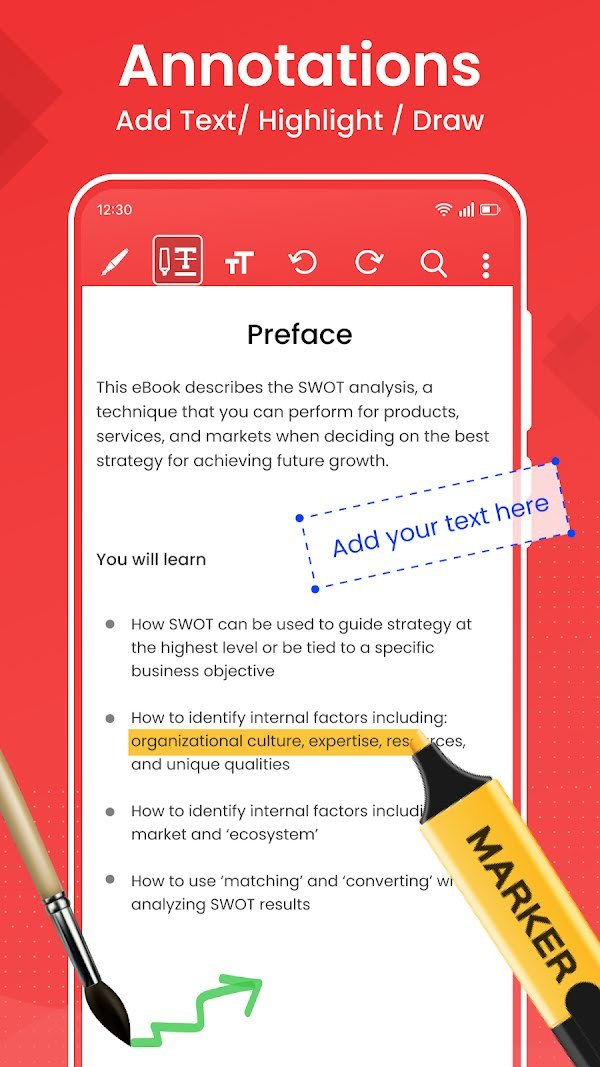
The same tools you would use with a pen and paper, in a toolbar that fits on your phone screen.
Draw, highlight, underline and strike out
Pick a pen tip and a colour, then write notes in the margin, circle a figure or highlight the line you need to remember.
- Pen, highlighter, underline and strike-through tools
- Several pen tips and colours to choose from
- Undo and redo any stroke
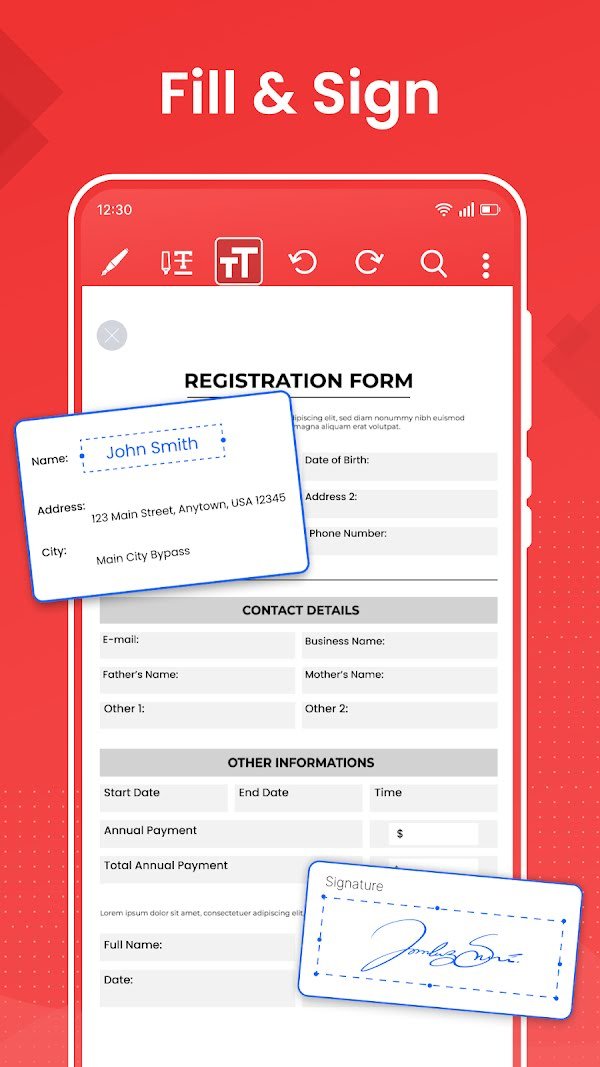
Fill in forms and sign them
Type straight into application forms, contracts and receipts, then draw your signature on the dotted line.
- Place text anywhere on the page
- Draw a handwritten signature with the pen
- No printer or scanner needed
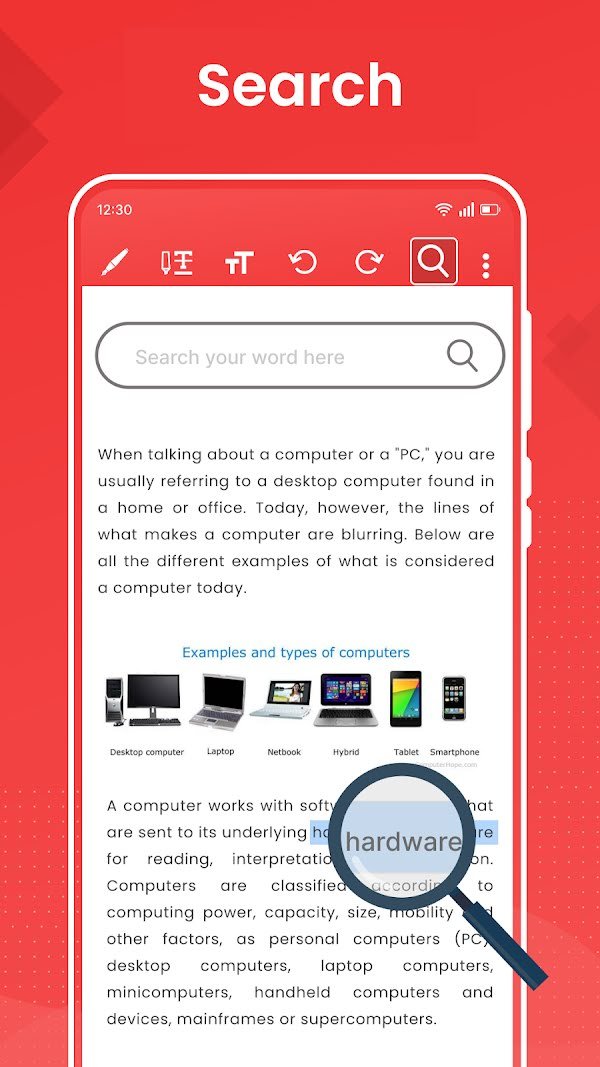
Find any word in a long document
Search the text of the PDF you are reading and jump straight to the paragraph you are looking for.
- Search inside books, reports and notes
- Rotate the view to read pages vertically or horizontally
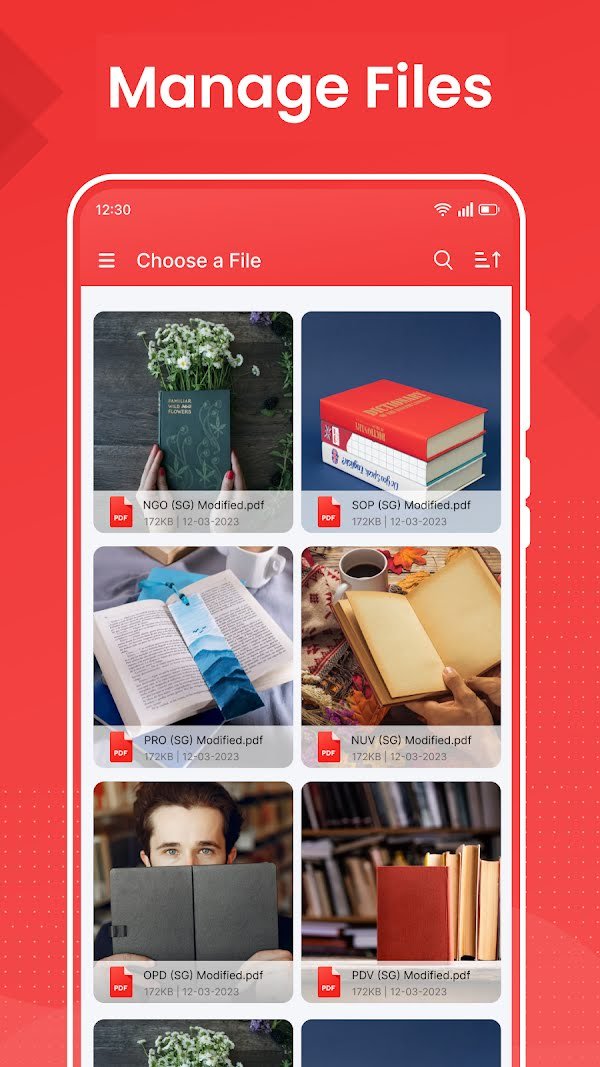
Every PDF on your phone in one place
The app lists the PDFs stored on your device, so you can open the one you need without digging through folders.
- List and grid views
- Sort files and search them by name
- Open single files or large combined PDFs
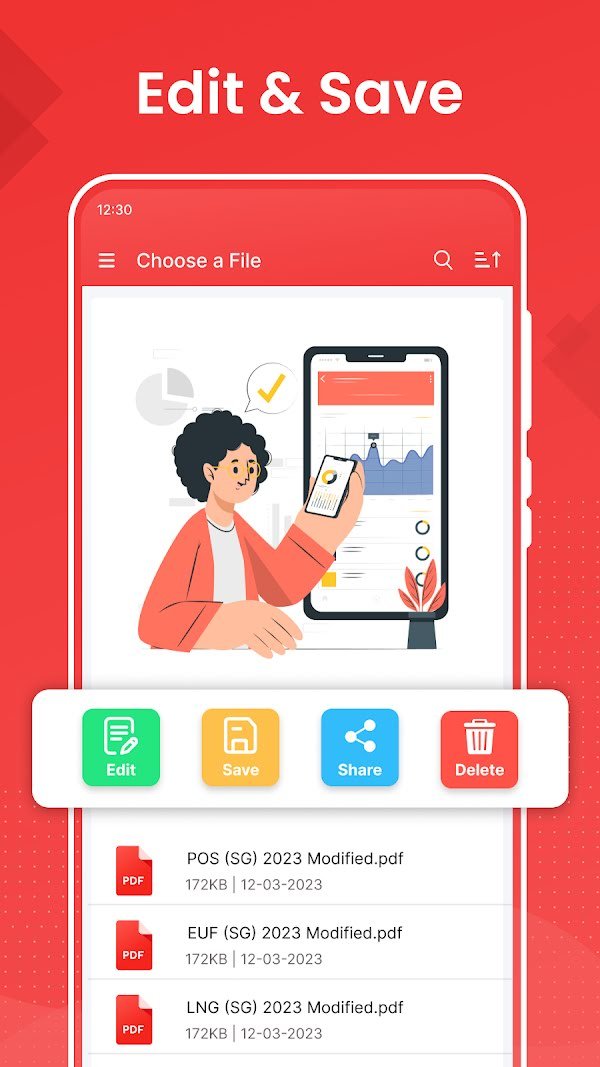
Save your edits and send them on
Save the marked-up copy to your phone, share it to email or chat apps, or delete files you no longer need.
- Edit, save, share and delete from one menu
- Edited copies are kept next to your other PDFs
From open to signed in three steps
No account, no sign-up and no computer. Everything happens on your phone.
-
Step 1: Choose a PDF
Open the app and pick any PDF file stored on your phone or tablet.
-
Step 2: Write on it
Use the pen, highlighter or text tool to mark up the page or fill in a form.
-
Step 3: Save and share
Save the edited PDF and send it by email, chat or any app you like.
Questions and answers
Can't find what you need? Email us at wonder.apps.studio@gmail.com
Your documents stay on your phone
We don't ask for an account and we don't upload, store or share your PDFs.
Read the privacy policyIs Write on PDF free?
Yes. The app is free to download and use from Google Play. It is supported by ads.
Are my PDF files uploaded anywhere?
No. Your PDFs are opened and edited on your own device. We do not collect, store or share the contents of your documents.
Can I sign a document with it?
Yes. Use the text tool to fill in the fields, then draw your signature with the pen tool and save the file.
Which devices does it work on?
Any Android phone or tablet running Android 6.0 or later.
Can I undo a mistake?
Yes. The toolbar has undo and redo buttons, so you can step back through your strokes and text.
Open a PDF and start writing
Free on Google Play for Android 6.0 and up.